Multimodal AI: How Text, Images and Audio Work Together
What multimodal models can help with, how to give them useful context, and why checking the original material still matters.
More than a text box
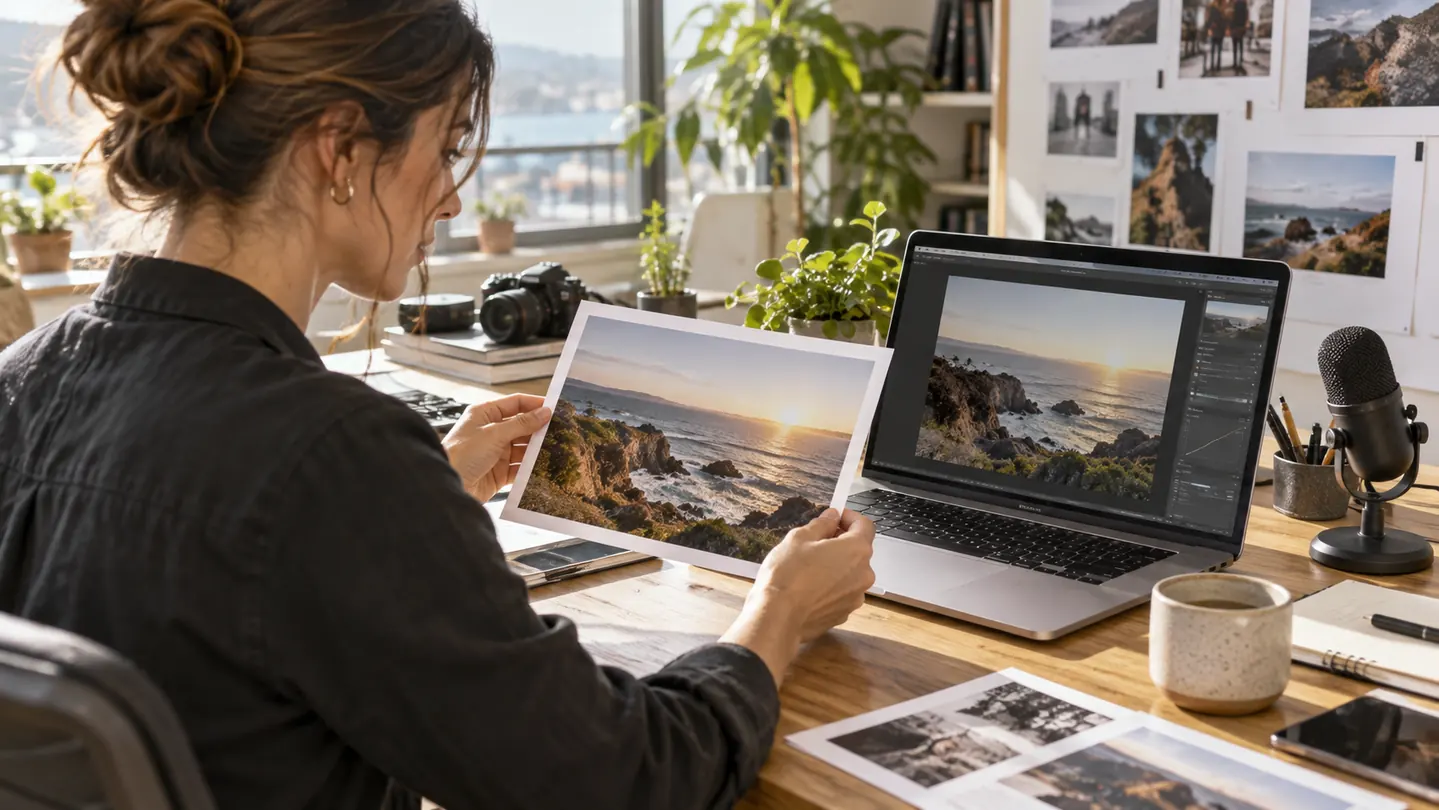
Much of daily work arrives in formats that do not fit neatly into a paragraph. There are screenshots, photographs, recorded interviews, diagrams and presentations. Multimodal AI brings some of those inputs into the same working conversation. Instead of describing a picture from memory, a person can provide the picture and ask a focused question about what is visible.
The term describes models or systems that work with more than one type of information. The supported combinations vary: a product may accept text and images, while another also handles audio or video. Input and output capabilities differ too. A system that can discuss an audio recording does not necessarily generate an audio response, and a system that analyzes an image may be separate from the model used to create one.
That distinction matters when choosing a tool. Start with the material you have and the result you need. “Help me compare these two product photographs” is a different task from “Create a new campaign image.” Both may involve AI and pictures, but they require different capabilities and different ways of checking the result.
Give an image a specific job
An image prompt is more useful when it names the question. Asking “What is in this picture?” can produce a broad description. Asking “Which elements of this page are difficult to read on a phone?” directs attention to a practical review. A clear request can also distinguish observation from interpretation: ask the model to identify visible features first, then discuss what those features might imply.
Google's image-understanding documentation describes tasks such as captioning, classification and visual question answering. Those capabilities can support an initial inspection, but a useful workflow still depends on supplying a readable image and an appropriate question. A low-resolution screenshot does not become detailed evidence simply because a model accepts it.
Consider a hypothetical editor comparing two versions of a flyer. The model could flag a missing date, a changed location or a section with weak contrast. The editor should then check those observations against the original files. When a number or small word matters, zooming into the source is often the fastest way to resolve uncertainty.

From a recording to working notes
Audio creates a different kind of opportunity. A recorded interview may contain valuable ideas scattered across a long conversation. A meeting may include decisions, disagreements and unfinished tasks. AI can help organize that material into a draft transcript or a set of notes, giving the listener a starting point for review.
Google's audio-understanding guide lists transcription, summarization and questions about audio content among the supported uses. It also discusses working with timestamps and different speakers. These features are useful when they help a person return to the relevant part of the recording rather than relying on a summary alone.
In a hypothetical interview workflow, ask for a short outline with timestamps before requesting polished prose. Check the important passages in the recording, especially names, figures and direct quotations. A summary may express the general idea accurately while losing a qualification that matters to the speaker. The source audio remains the reference for what was actually said.
Recording conditions matter too. Background noise, people speaking over one another and an unfamiliar proper name can make interpretation harder. If the output contains uncertainty, keep it visible during editing. Replacing an unclear phrase with a plausible sentence makes the notes smoother but may change the meaning.
Combine the materials with a clear purpose
The benefit of multiple input types becomes more interesting when they describe the same task. An editor might provide a draft caption, a photograph and a short voice note explaining the intended audience. The text supplies the wording, the image supplies visual details and the recording supplies context. The model can then help identify a mismatch between the caption and the actual picture.
Keep the request concrete. For example: “Compare this draft description with the attached photograph. List claims that the photograph supports, claims it cannot establish, and details that need a separate source.” This turns a loose creative exchange into a review with an understandable output. It also leaves room for the model to say that the evidence is insufficient.
Video adds time to the problem. A useful question might refer to a particular segment or ask for a sequence of events with timestamps. Google's video-understanding documentation provides examples of summarization and questions about video content. For an editor, timestamps can help locate a passage, but reviewing the original sequence is still important when timing or context changes its meaning.
Build a workflow you can review
A practical process separates collection, interpretation and publication. First gather the files and establish which version is current. Then ask the model for a draft analysis with references to the relevant page, image or timestamp. Finally, inspect the parts that matter before using the result in an article, presentation or decision.
Imagine preparing a short recap of an event from a program, several photographs and an interview. AI could help organize the program into a timeline and propose a first draft. The editor would still confirm names against the program, match photographs to the correct session and check quotations against the interview. The model helps connect the materials; the person establishes whether the final account is supported.
Be especially careful with claims that the input cannot prove. A photograph can show a person standing at a podium, but it may not establish their identity, the date or the reason for the event. A confident description is not a substitute for those missing facts. Supplement the material with a reliable source when the distinction matters.
Choose by the task, then check the result
A sensible comparison between products uses the same small set of representative tasks. Try a clear image, a difficult screenshot and a short recording similar to the files you normally handle. Examine whether the tool follows instructions, signals uncertainty and produces an output that is easy to verify. Also consider file limits, processing time and the product's handling of uploaded material.
Multimodal AI is most useful when it removes the friction between formats. It can help a person move from a recording to notes, from a picture to a draft description or from several sources to an organized review. The goal is a clearer working process with less manual preparation. The strongest result is one that keeps the connection to the original material easy to follow.